Access RLI Online
Sign in to RLI Online to read the handbook, download teaching resources and watch videos.
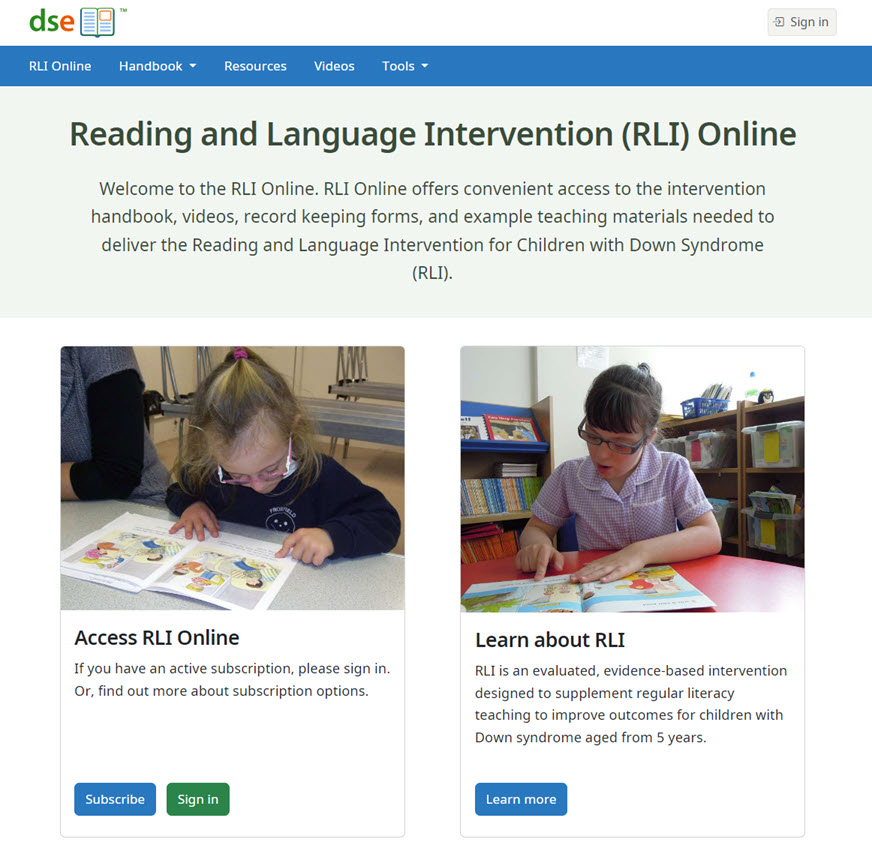
Signing in
Use the DSE Client ID you used when you activated your license.
Select Sign in at the top right of the page. You will also be prompted to sign in when you open the handbook, videos or resources.
Viewing the handbook
Select Handbook in the navigation bar. Open Table of contents to see all sections, or choose a page from the left sidebar. On mobile, tap the expand icon to show the sidebar.
Viewing and downloading resources
Select Resources, choose an item, then open its link to view or download it. Resource numbers match those in the handbook.
Viewing the videos
Select Videos, then choose a clip. Video numbers match those in the handbook.