Access online courses
Sign in to the DSE Learning Centre to access your online courses.
Learning Centre user accounts
We create your Learning Centre account when you first buy a course and email you a link to set your password.
If you have forgotten your password, you can reset it here.
Accessing courses
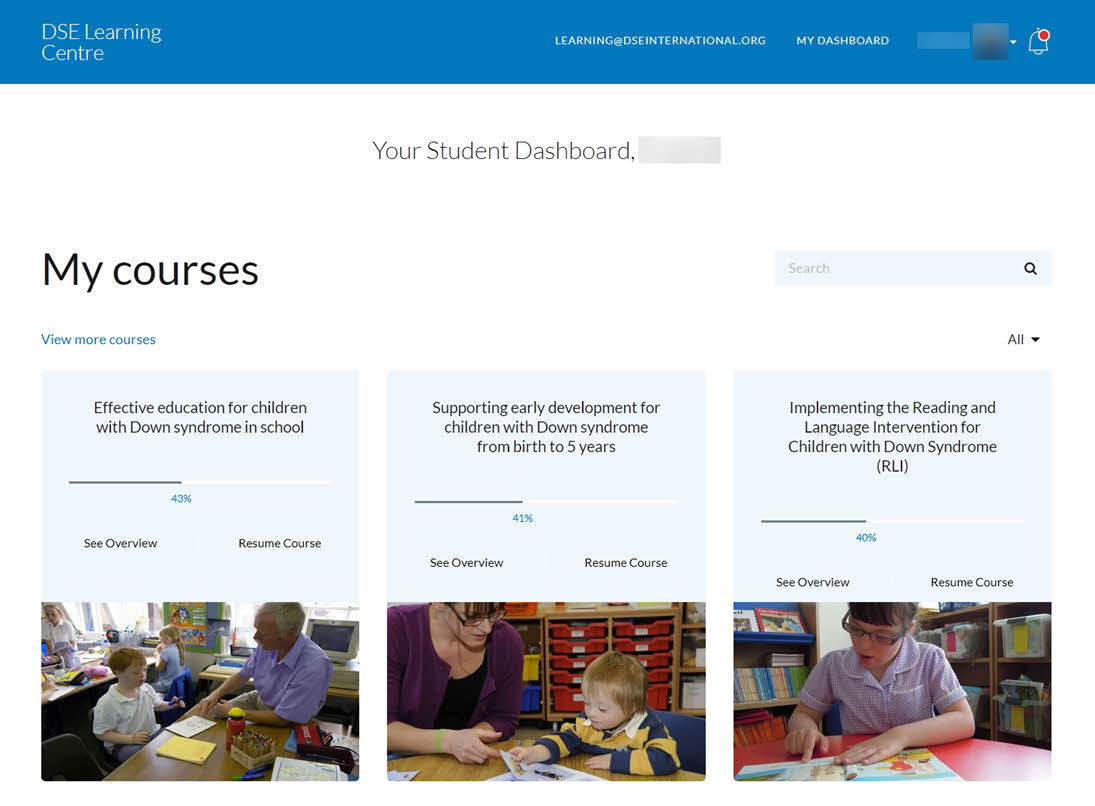
After signing in, your dashboard lists the courses you can access.
To access a course, click or tap the course title.
Navigating around a course
When you open a course, it resumes where you left off.
Use the links on the left to choose a module, or select Continue to move to the next one.
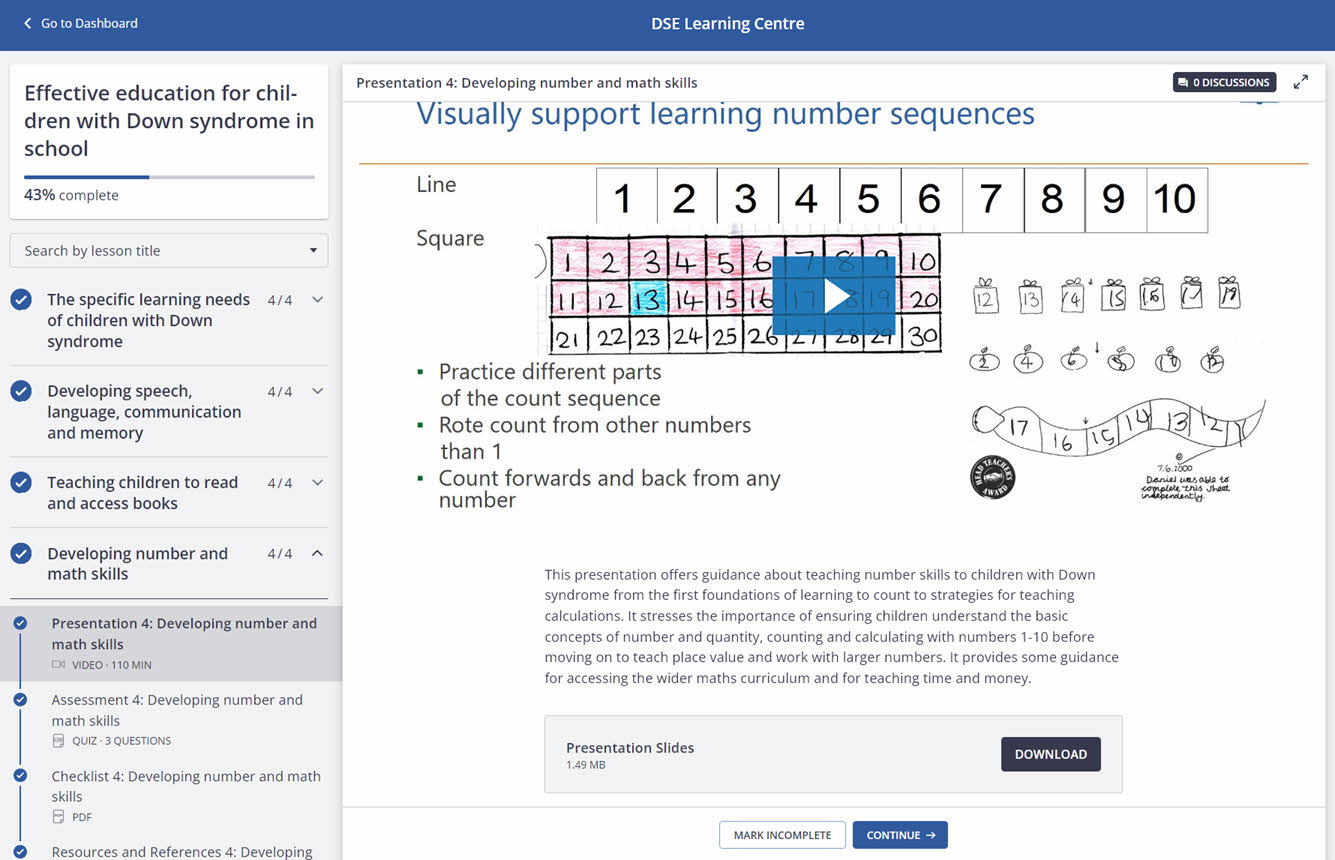
You can return to completed modules at any time during your subscription.
Downloading a certificate of completion
After completing a course, open the certificate link in the course content to download a PDF copy.
To find your certificates later, select your name in the top navigation bar, then Account.
Select the certificates link on the left to see your certificates.