Assigning user licences
Assign each licence to the person who will use it, including yourself if you bought it for your own use.
If you bought several licences, assign each one to a user. Each user then activates their licence.
Visit the subscription management website
Visit the subscription management website using the link we sent you by email when you purchased your subscription.
Assign a user licence
From the subscription management page, follow the Assign link.
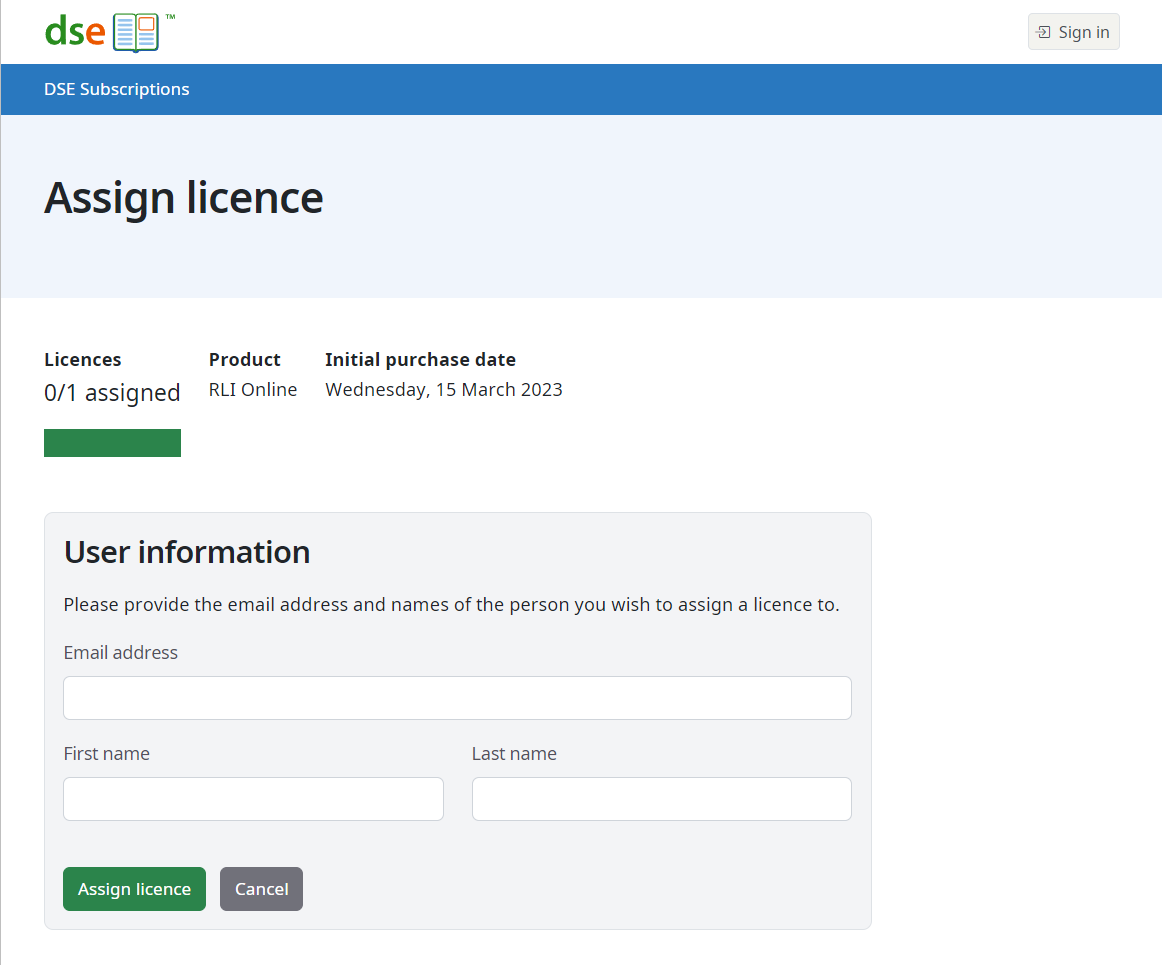
Enter the user's name and email address and submit to assign the licence.
The user will receive an email providing details of how to activate their licence and you will receive an email confirming the assignment.
The assign page looks like:
Common questions
Do I need to assign a licence if I have purchased a single subscription for myself?
Yes, you will need to assign the licence, even if you purchased a single subscription for yourself.
Do I need to assign all of the users licences at once?
You can assign user licences at any time. Please note that the subscription period for all licences starts when the subscription is purchased.